DIY Graphic Design
-
30/05/2026
-
By: Joe Cremona
-
6
DIY Graphic Design
    “Get it right, first time”
Doing graphic design yourself – No Problem. Â Intertype will review and pre-flight print ready artwork you supply before releasing to production.
Supplying Print Ready Files
Preparing print-ready PDF artwork yourself comes with a number of technical hurdles that can easily catch you off guard if you’re more accustomed to designing for screen. The most common pitfalls involve colour mode and resolution — screens display in RGB at 72dpi, while commercial printing requires CMYK colour conversion and a minimum of 300dpi. The shift between the two may produce noticeably different colours and soft, pixelated images if not handled correctly.
You also need to account for bleed and safe zones, typically adding 3mm of artwork beyond the trim edge so that background colours and images extend to the cut line, while keeping text and key elements safely inside the margins to avoid them being trimmed off. Fonts must be embedded or converted to outlines, and transparency effects need to be properly flattened to avoid rendering errors at the time of printing.
Beyond the technical setup, getting the PDF export settings right is equally important as well as compression and colour conversion settings. Â If you are unsure, it is always best to talk to us to ensure your files are right, first time.
Common Errors In Supplied Artwork
Understanding where things go wrong is the first step to preventing it. The most frequently encountered issues include:
Colour space errors
Print uses CMYK ink, not RGB light. Files built in RGB must be carefully converted with the correct colour profile. Without this, colours can shift dramatically between screen and print.
Insufficient image resolution
Images that look sharp on screen are often only 72 dpi — well below the 300 dpi required for quality print. Scaling a low-resolution image up doesn’t recover detail; it makes the problem worse.
Missing Bleed
Printed materials are trimmed after printing. Without bleed — artwork extended slightly beyond the trim line — cutting tolerances can leave unwanted white edges on the finished piece.
Non-compliant PDF files
The PDF/X-1a standard ensures files are self-contained, colour-managed, and consistently reproducible. Files that don’t comply introduce unpredictable variables into production.
Incorrect trim sizes and safe zones
Content placed too close to the trim edge risks being cut. Understanding the relationship between bleed, trim, gutters, printable areas (ie: safe zone) is essential for a print result that meets your graphical design intention.
Missing Fonts
When a print file uses a font that is not embedded or outlined, the printing press system will substitute to the nearest alternative it has available. The result is changed text spacing, unexpected line breaks, and a layout that no longer looks the way it was designed. To avoid this, fonts should always be embedded when exporting the PDF, or outlined in the design application before the file is sent.
Print Ready Checklist
Below is a handy checklist to keep in mind prior to submitting your print ready artwork to us.
Document Setup
- Document dimensions match the final trim size (not the bleed size)
- Bleed of 3m added on all sides
- Safe Print Zone of 3mm inside trim edgge for all text and key elements
- Correct Orientation (portrait/landscape)
Colour
- Document Colour mode set to CMYK (not RGB)
- Correct ICC/colour profile applied
- Spot colours (Pantone) set up correctly or converted to CMYK for full colour
- Pure 100% K black used for text
Fonts and Text
- All fonts embedded in PDF or outlined
- No text smaller than 6pt (especially in light colours)
- Spelling and copy proofed at full print size
Images and Resolution
- All Images are 300dpi minimum at final print size
- No low-resolution or web-sourced (72dpi) images placed
- Images embedded (not linked) in the document
- Image colour mode is CMYK, not RGB
Transparency & Effects
- Transparency and live effects (drop shadows, blends) flattened
- Overprint settings checked - black text set to overprint
- No unintended white or coloured knockout gaps
PDF Export
- Correct PDF Standard used PDF/X-1a
- Image compression set to lossless or high quality
- Crop marks and bleed included
We are here to Help
If you are in doubt or need some help, we are only a phone call or email away.  We offer three different levels of artwork design support, including DIY support, collaborative design, full service artwork design and Advanced CMYK+ design.  Or simply reach out and have a chat with a publish and print expert. Â
Related posts
I’m Not A Whore
Have you ever been told you don’t matter — and believed it? 🚨 I’m Not a Whore by Amanda
The Christmas Gift That Wasn’t A Toy
Introducing a heartwarming new children’s book just in time for Christmas! ✨🎄 The Christmas
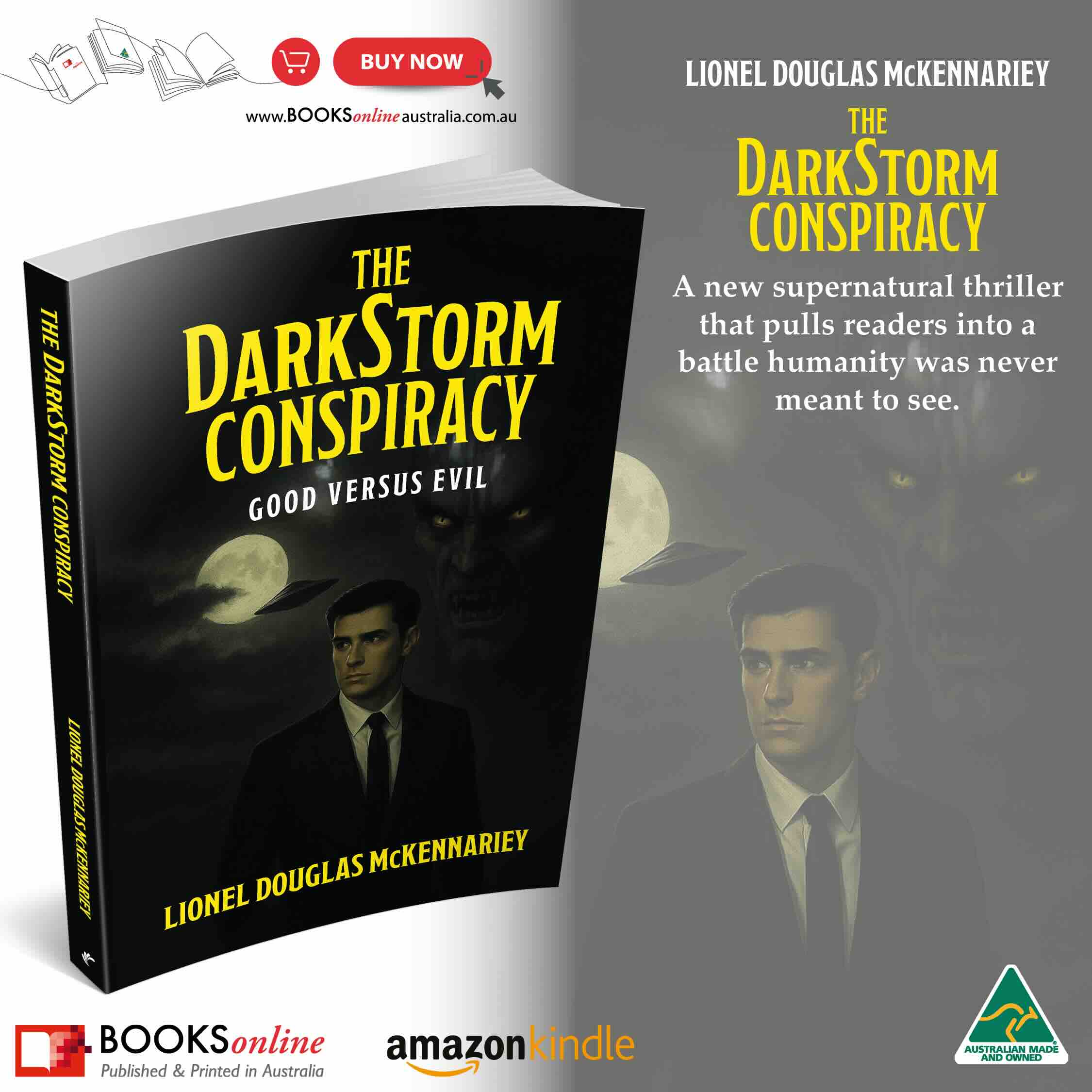
The DarkStorm Conspiracy
In The DarkStorm Conspiracy, Agent Alistair Carter leads a rogue team against a threat that defies logic

The Nearby Neighbours
A fresh start comes with a hidden cost. In John Constantine’s The Nearby Neighbours, the Luvels
The Art of War Tarot Guidebook and Card Set
Introducing The Art of War Tarot Guidebook and Card Set by Master Anna brining foresight and undertanding
The Stregheria Oracle Guidebook and Card Set
Step into the circle with The Stregheria Oracle Guidebook and Card Set by Master Anna.